
Setup Guide
Your Apple Watch is already measuring your heart rate on every ride. The HRM app gets that data to your Garmin Edge, Wahoo ELEMNT, Karoo, or other — broadcasting it over Bluetooth exactly like a chest strap would. Just without the strap.
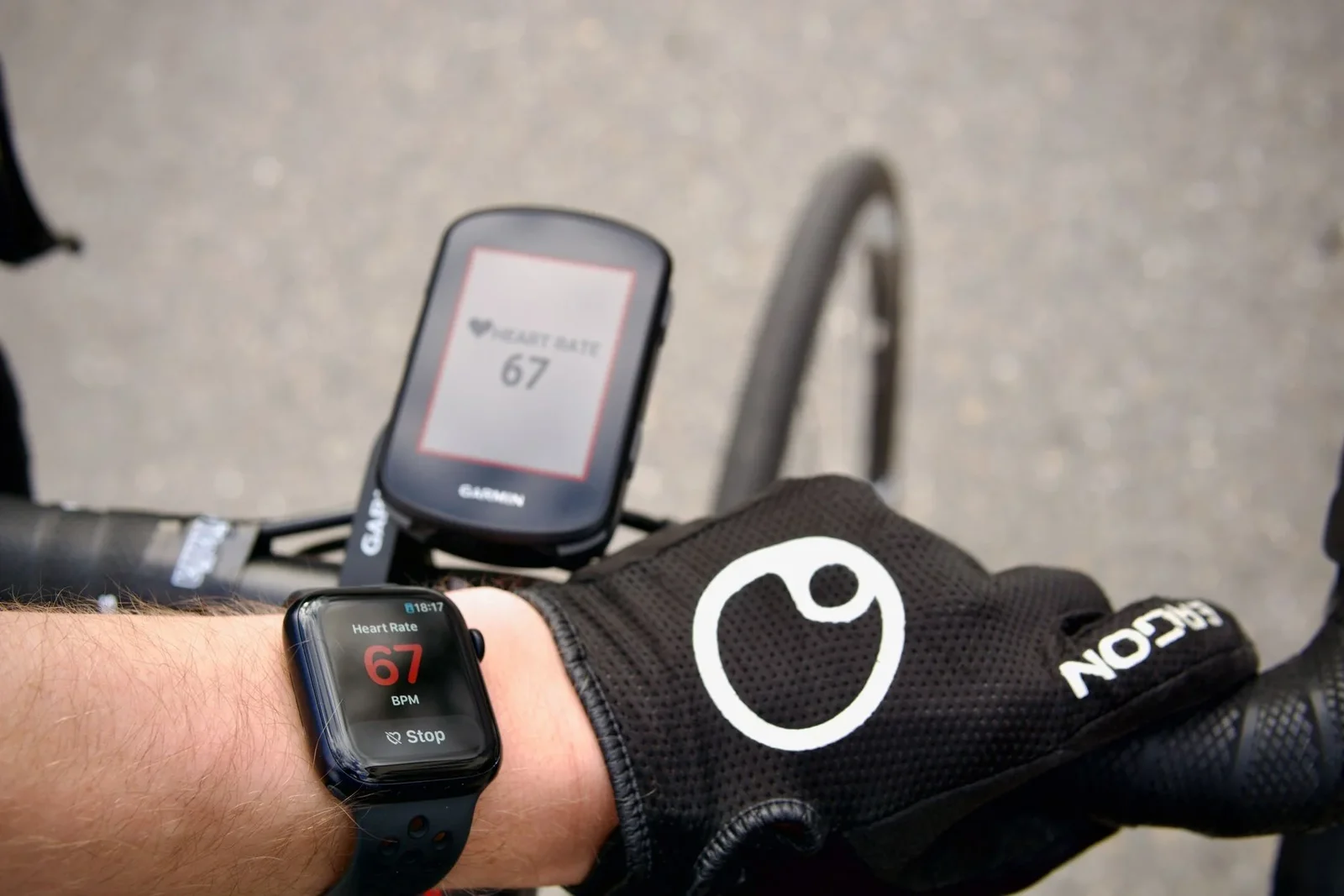
The Watch measures. The Garmin displays.
Choose Your Device
Each guide covers first-time setup, the per-ride procedure, and any device-specific quirks.
Not sure if your device is supported? Check the compatibility list →
Frequently Asked Questions
Do I need to press Start on the Apple Watch?
Yes — this is the most commonly missed step. Pressing Start begins frequent heart rate collection and keeps both apps running in the background. Without it, updates will be too slow or stop entirely.
My heart rate shows "--". What's wrong?
No recent heart rate data is reaching the app from Apple Health. Common causes: Low Power Mode is on, you just put the Watch on (give it 30 seconds), or Health permissions are missing.
Check at Settings (on your Watch) → Health → Apps → HRM. Grant permissions if missing. If it still shows "--", toggle the Heart Rate permission off and back on.
Do I need to keep the iPhone app open?
No. Once your bike computer is connected, lock your iPhone or switch apps freely. HRM keeps broadcasting in the background.
Do I need to keep the Watch app open?
Yes. The Watch app must stay on screen during your ride for consistent updates. If it goes to the watch face, heart rate may slow or stop.
How long does the battery last?
No GPS means the Watch battery goes further than you'd expect. Tested on rides over 8 hours with ~30% remaining on Apple Watch Series 7.
Can I use another workout app at the same time?
No. Apple Watch only allows one active workout session at a time. It's HRM or another workout app — not both.
Heart rate only updates when I look at my Watch. How do I fix it?
Enable Background App Refresh for both HRM and the Apple Fitness app. Go to Settings → General → Background App Refresh on your iPhone and turn on both.
My heart rate cuts out during a ride. What should I check?
Start with the power settings. Low Power Mode on either device restricts Bluetooth, so turn it off on both iPhone and Apple Watch before riding.
If your iPhone offers Adaptive Power under Battery settings, turn that off as well. It is only there on iPhone 15 Pro and later.
Haven't Downloaded Yet?
The guides above walk through every step — but first you'll need the app. Start with the 7-day free trial.
after your trial ends
Less than a 3-pack of batteries.

Cancel before the trial ends and you won't be charged.